

How Many Years Will Your Phone Remain Functional? A Guide to Updates in 2026
Find out how long phones will continue to receive updates in 2026, how to check for security updates, and when it becomes necessary to replace your old phone.
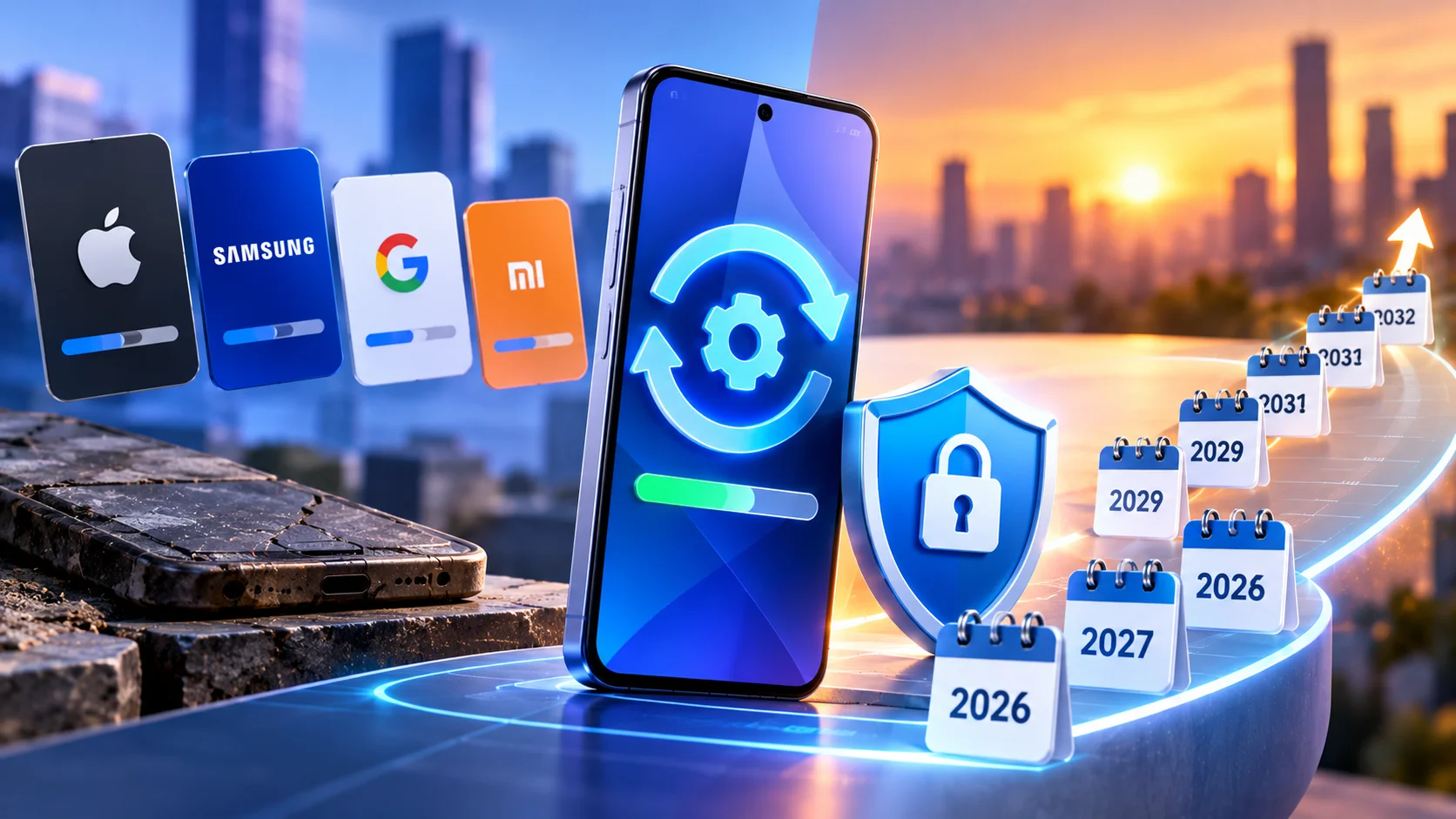
So, if we want to compare companies based on the number of years they provide updates, we can rank them from highest to lowest:
Apple: Up to 7 years of updates for most of its modern devices.
Samsung: Up to 7 years for flagship phones such as the Galaxy S24 and later, and between 5 and 6 years for mid-range models.
Google Pixel: Also up to 7 full years of major OS updates for the Pixel 8 and newer models.
Oppo: Up to 5 years of major OS updates for flagship phones and 6 years of security updates.
Vivo: Also offers up to 5 years of major updates and 7 years of security updates for flagship phones.
Xiaomi / Redmi / POCO: Ranges from 4 years for flagship phones to less for budget models.
Note: This is a comparison of update durations for the latest models from these companies. Update periods may vary depending on the model, version, and year of manufacture, so please verify the device model and number of years of support before purchasing.
System updates: Add new features and improve performance and the user experience.
Security updates: Fix vulnerabilities and protect your phone from digital threats.
Your phone may stop receiving new versions of Android or iOS, but it may still receive security updates from time to time.
On an iPhone:
Open Settings, then "General" and "About."
Check the system version under "Software Update."
Check Apple’s official security update list to see if your model is still supported.
On Android:
Open Settings, then “About Phone.”
Check the system version and the date of the last security update.
Check the manufacturer’s official support page to find out the update policy for your model.
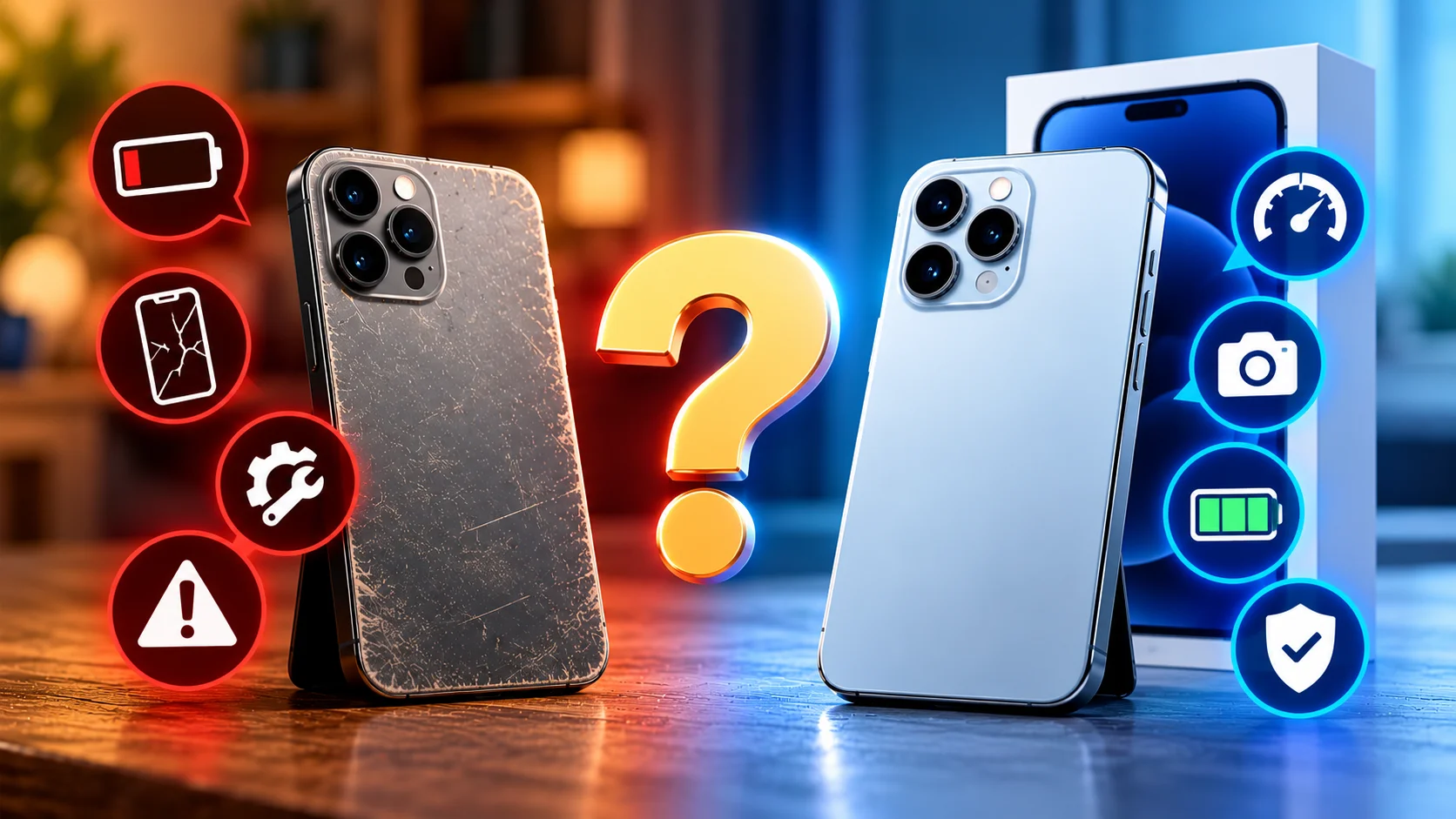
A prolonged halt in security updates.
A noticeable decline in battery life.
Slow performance or app incompatibility.
Repair costs that exceed the price of a replacement phone.
You can continue using your phone after support ends, but security risks increase over time.
Before making a purchase, focus on four key factors:
The duration of security and system updates.
Processor and memory power to meet your future needs.
Battery quality and replaceability.
Availability of replacement parts and maintenance services.



No comments yet — be the first to comment.